Kingsoft WPS · Independent 2026 guide
Office work, without the suite tax.
Writer, Spreadsheets, Presentation, PDF, and AI in one lightweight app. This handbook maps official downloads, first-week setup, real reader workflows, and the problems that show up after install — without hosting a single installer.
We never host installers. Links go to wps.com, the Microsoft Store, Play, or the App Store.
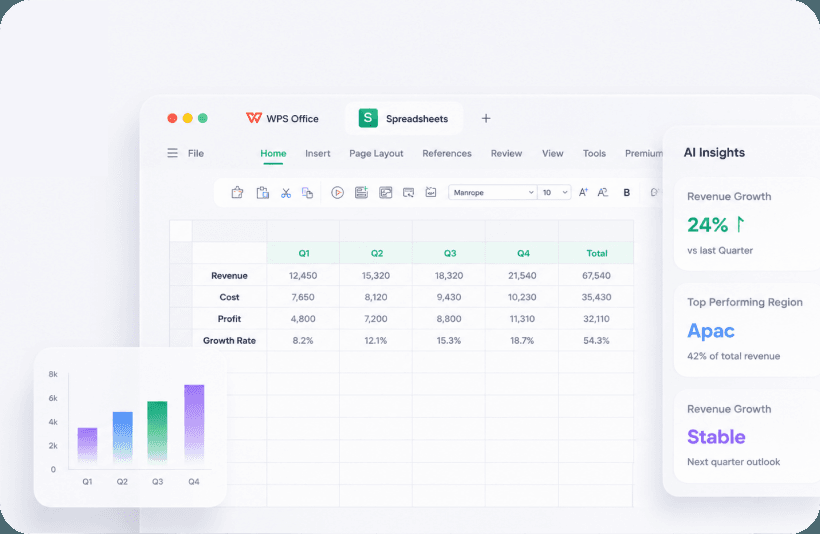
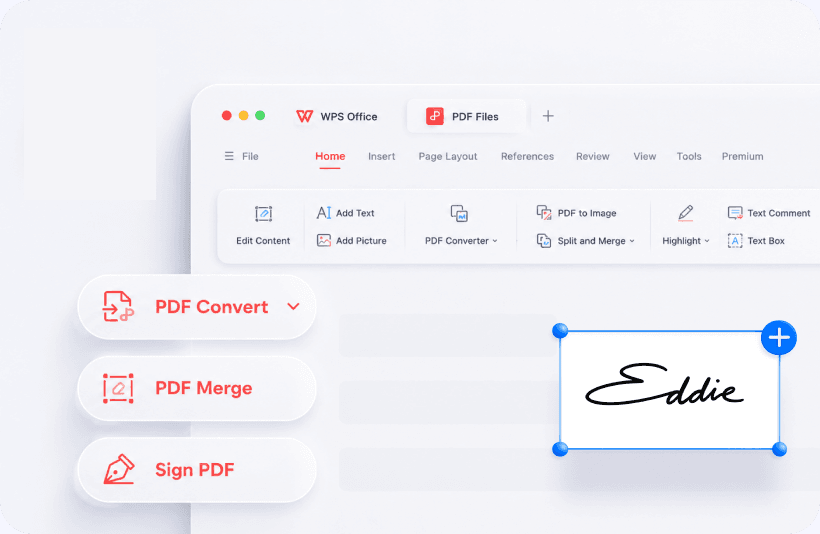
The suite
Five apps. One installer. Not five subscriptions.
Kingsoft’s pitch is a Microsoft-style ribbon, a PDF toolkit that tries to stand in for Acrobat, cloud sync, and WPS AI. Free covers school and small-office writing. Premium is mostly ads-off, heavier PDF, OCR, and extra cloud. Open the chapter you need — you do not have to learn Photo, Cloud, and Copilot on day one.
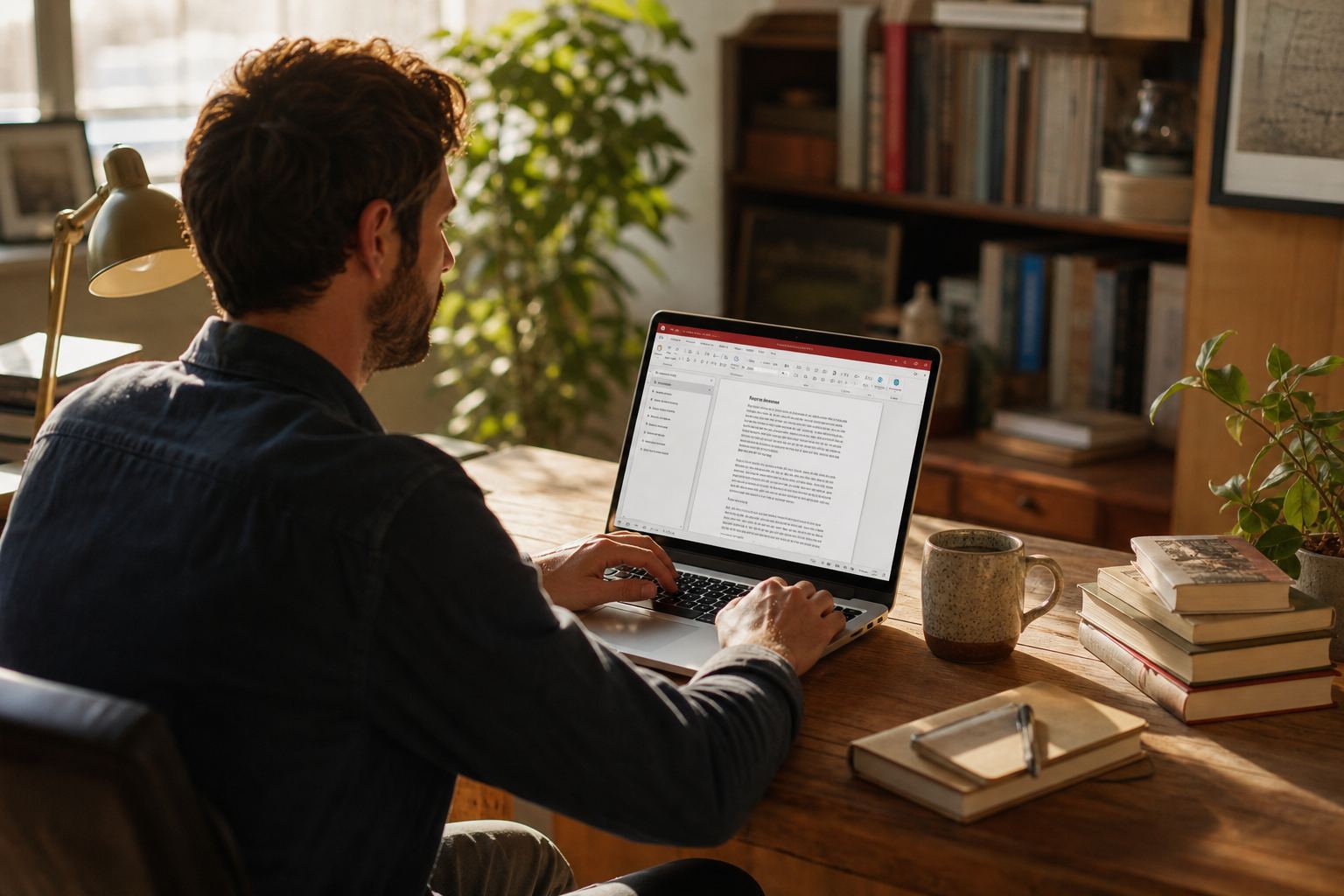
Writer
DOC, DOCX, RTF, HTML — a ribbon that already feels like Word.
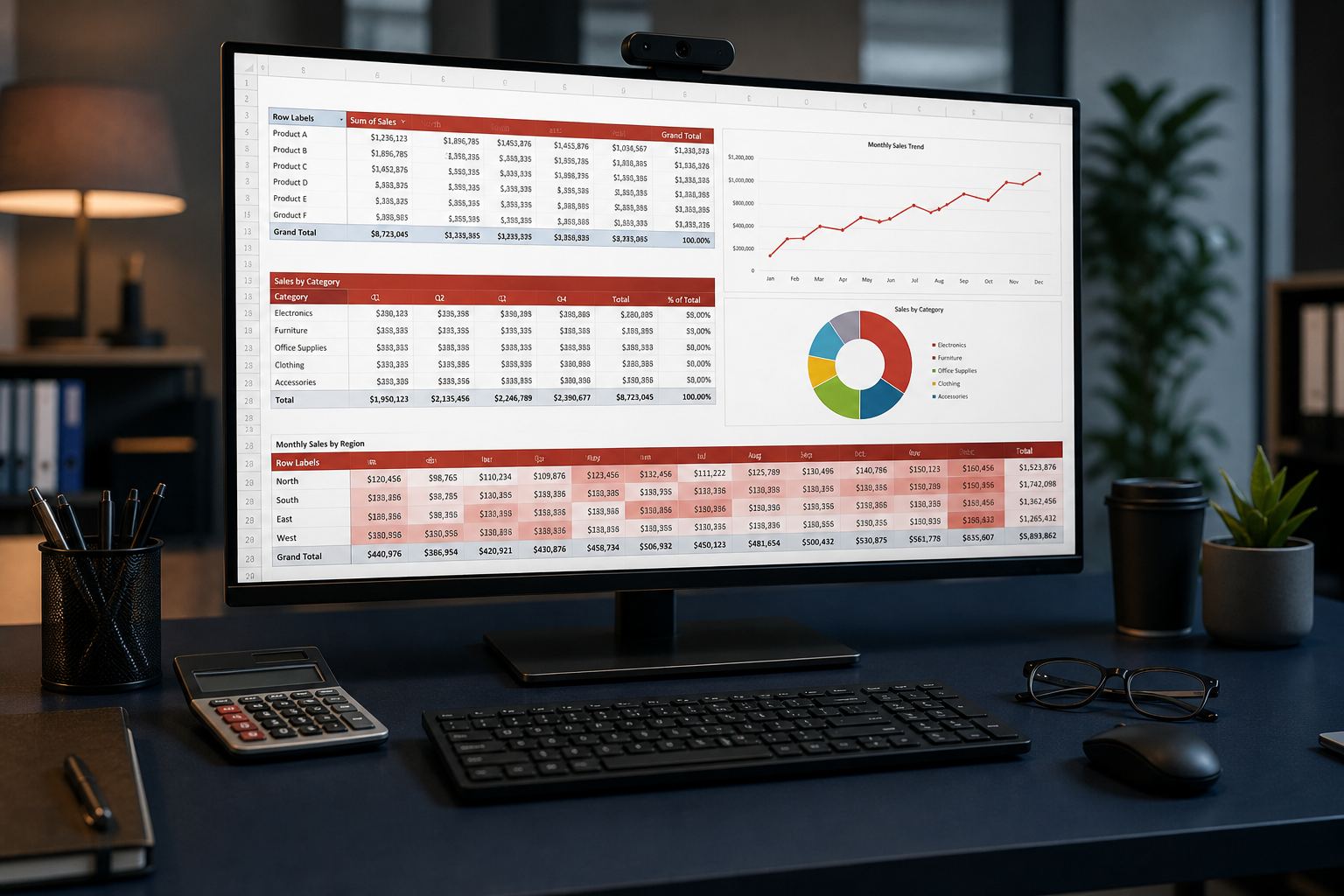
Sheets
XLSX, charts, and the 64-bit build for heavy files.

Slides
PPTX, templates, presenter view, AI first drafts.
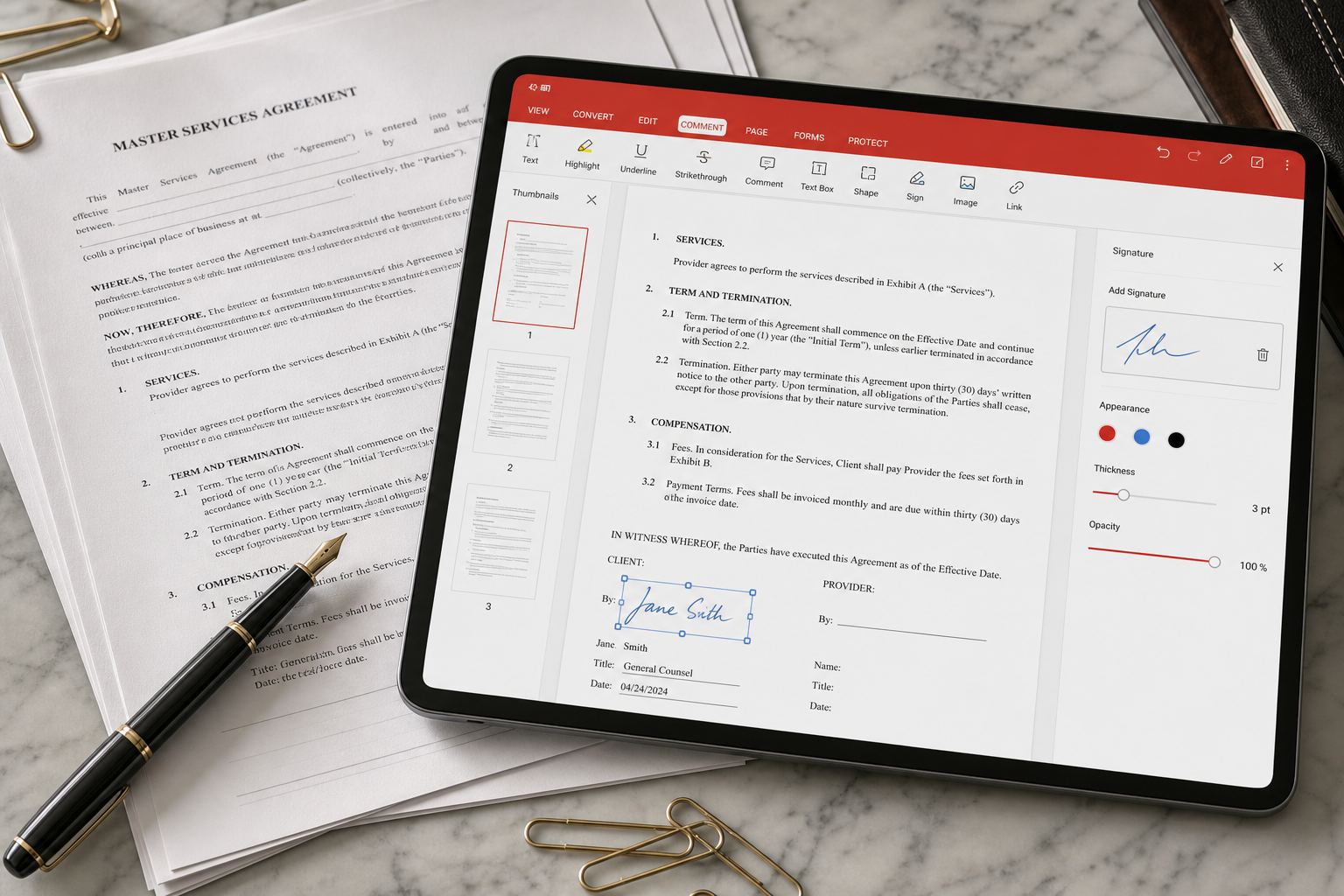
Annotate, convert, sign. OCR often sits behind Premium.

WPS AI
Draft, summarize, ask a PDF, sketch a deck — then verify every number.
Read this first
A Microsoft-shaped suite. A Kingsoft product. An independent handbook.
What the free suite actually does
You can write letters and theses, build homework sheets and invoices, design a 12-slide pitch, and open the PDF someone mailed you. The ribbon is meant to feel like Word, Excel, and PowerPoint on purpose. That is the whole pitch, and for a cheap laptop or a semester without 365 it is usually enough.
- DOCX, XLSX, and PPTX as daily formats — set them as defaults on day one.
- A PDF reader with comments; heavy convert/OCR/sign often sits behind Premium.
- Phone apps on Play and the App Store, plus a Linux Deb/RPM that actually opens campus PPTX files.
- Optional Cloud and WPS AI. Skip both if you only work on one encrypted disk.
What this site will not pretend
We do not host EXE, DMG, Deb, or APK files. We do not publish cracks. We do not reset Kingsoft passwords. Search ads that say “WPS Office 2026 Full” are how people get a second, real problem. Install from named stores, then come back here when a file misbehaves.
- Outlook, Teams, and SharePoint still belong to Microsoft 365.
- Five people typing at once still belongs to Google Docs.
- A VBA factory workbook should stay on Excel. Open it read-only in WPS.
- Vendor MAU figures (600 million, 36 years, 47 formats) are marketing unless a filing says otherwise.
WPS began as Super-WPS, a Chinese word processor on DOS in 1988. The international product is now a freemium office suite from Kingsoft Office Software Corporation Limited. Wikipedia cited about 494 million monthly active users in 2022; later homepage copy uses 600 million. Gizmodo’s August 2026 directory still listed Play Store ratings around 4.5 from millions of votes and App Store around 4.8. Treat store stars as a popularity signal, not a lab certification.
The useful question is narrower: will this open the department DOCX, the client XLSX, and the signed PDF without a second subscription? For most students, shops, and Linux users the answer is yes — with fonts, ads, and PDF walls as the usual tax. Walk the timeline, the safety notes, and the comparison before you migrate a whole office as a weekend project.
Safe downloads
Pick the channel on purpose. Search ads lie.
The website installer is the full desktop suite. Microsoft Store listing 9NSGM705MQWC updates through Windows. Mobile lives on Play (cn.wps.moffice_eng) and the App Store. Linux is Deb or RPM from Kingsoft — not a 2019 wget link.
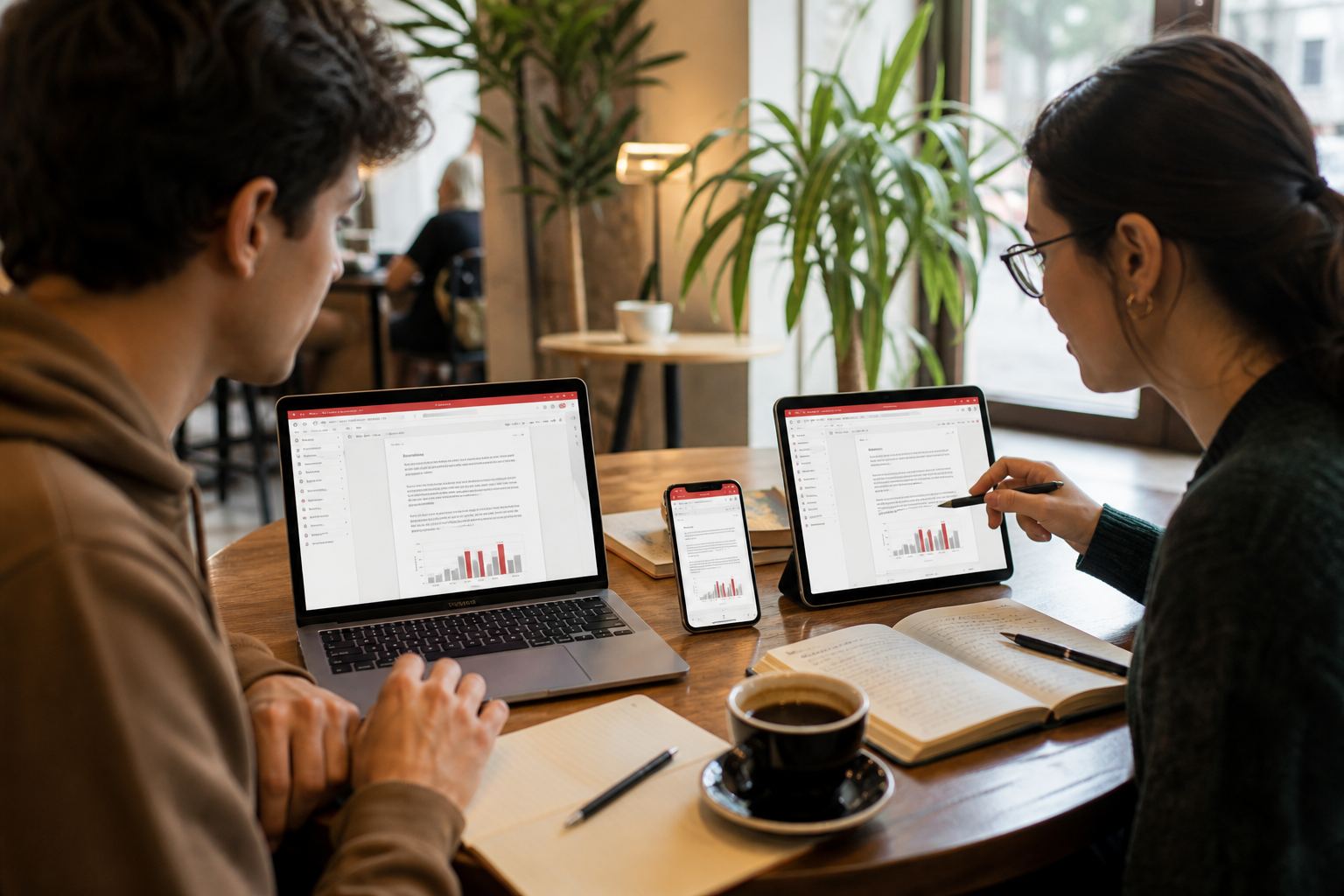
Windows
Website EXE or Store tile 9NSGM705MQWC
Pick one channel. Dual-core, 2 GB RAM, 4 GB disk is Kingsoft’s floor; use 64-bit for heavy sheets. Controlled Folder Access can freeze first launch and look like a crash.
macOS
Apple silicon first, Intel still around
Current builds advertise M1–M4. Do not mix a website DMG with an App Store copy. Gatekeeper warnings are normal; WhatsApp “setup” files are not.
Linux
Official Deb or RPM — not a 2019 wget
Ubuntu, Debian, Fedora, Mint. Snap hides USB disks. Symbol/Wingdings warnings are missing Windows fonts, not a broken binary. The Linux fonts chapter is next to the download notes.
Android
Play package cn.wps.moffice_eng
Scanner, PDF, and docs on a phone. Sideloaded “MOD” APKs are how extra toolbars appear. Same WPS account as the PC or the file will not show up.
iPhone & iPad
App Store id 609397708
Ratings around 4.8 in Gizmodo’s August 2026 snapshot. Apple Pencil markup is real; a conference HDMI adapter still wants a PDF spare on a USB.
Trust
Ads are not automatically malware
Mirrors and keygens are. Wikipedia notes ESET research on abused update paths (NSPX30). Stay on TLS and named stores. This domain never hosts the installer.
Day one
A first-week setup that prevents half the tickets.
Install is the easy screenshot. These six habits are why files survive a round-trip to Word, a professor’s laptop, and a printer that still thinks the paper is Letter.
Save as Microsoft formats
DOCX, XLSX, PPTX. Native .wps / .et / .dps are fine as a personal archive and hostile as email. One settings change prevents “my tutor cannot open it.”
Turn on auto backup
Then know where the folder lives. Cloud versions are not a disk in a drawer. Recovery steps: unsaved documents.
Install fonts before you write
Calibri/Arial travel. Display fonts and Linux Symbol/Wingdings do not. Arabic and CJK need real families, not the UI language pack. Languages.
One live folder for sync
WPS Cloud or Drive or Dropbox — not all three on the invoices tree. Same account on phone and PC. Sync · Drive apps.
Print Preview at 100%
A4 versus Letter is still the quiet international bug. Freeze a poster as PDF. Keep DOCX as the master. Printing · Word to PDF.
Count PDF walls for two weeks
Stay free until OCR, merge, or quota stops the actual job three times. Then Premium is often cheaper than a stack of mystery PDF websites. Free vs Premium.
Field notes
After the honeymoon week.
Composite stories drawn from public reviews. Names are representative; the friction is real. All stories

Priya dropped 365 between semesters
Department DOCX templates, a PDF poster, edits on the bus. Ads annoyed her; Premium was cheaper than another year of 365 for thesis-month merges.

Daniel’s 80 MB file opened — then crawled
Manual calc, 64-bit WPS, fewer whole-column formats. Macros stayed on a dedicated Excel machine.
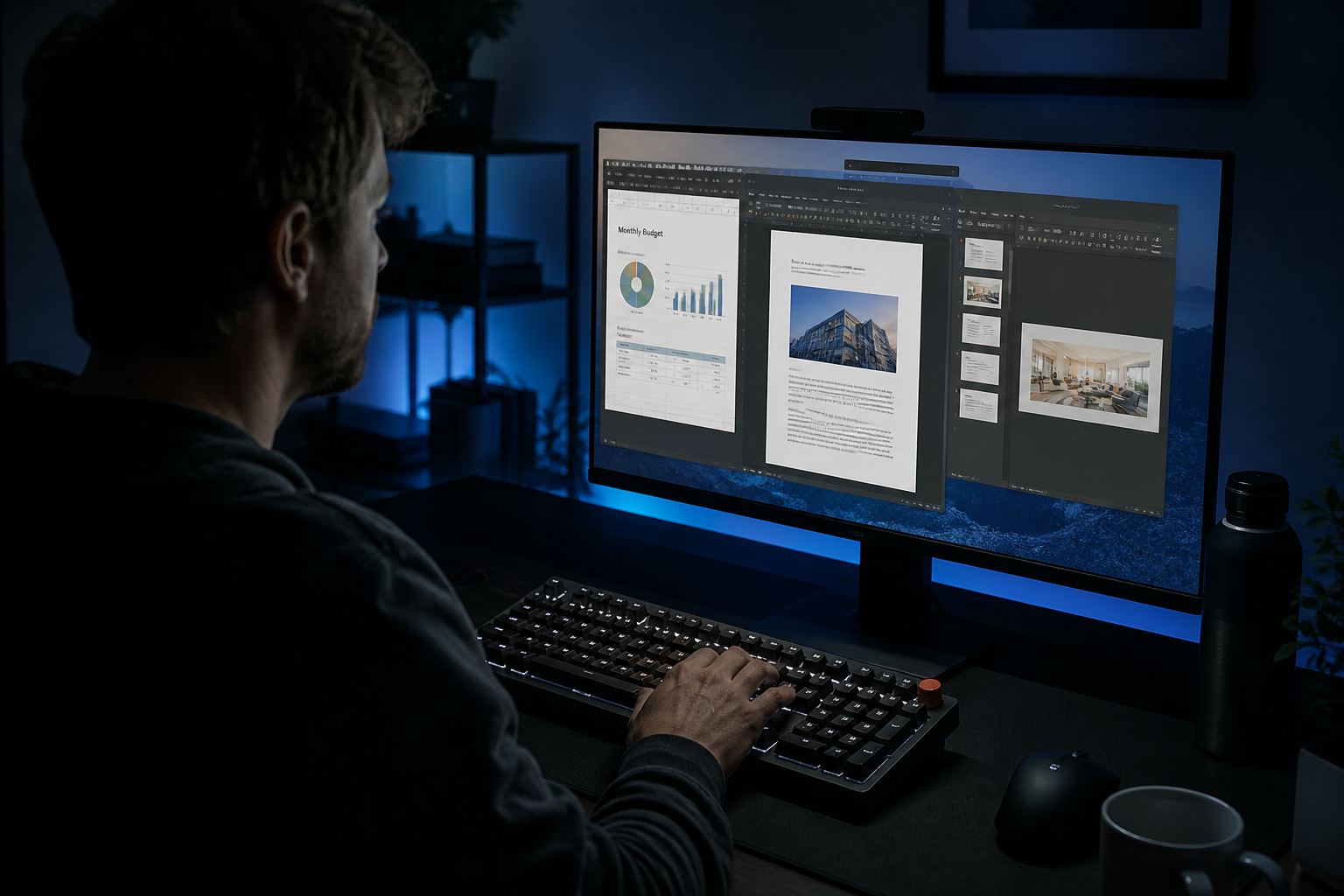
Leo kept three tabs: budget, proposal, deck
AI drafted speaker notes; he rewrote every claim. Tracked-changes legal work still went back to the client’s 365 tenant.

Mateo paid after the third PDF wall
Quotes in Writer, stock in Sheets, delivery scans on Android. Premium replaced a pile of “free PDF” websites he did not trust with addresses.
Who it is for
Four jobs this suite actually finishes.
Not a personality quiz. If your week looks like one of these, start on that chapter. If it looks like Outlook plus Teams plus SharePoint, stay on Microsoft and use WPS as the PDF spare tire.
Campus
Students
Department DOCX, PDF portals, group decks with one owner, cheap laptops, and the week you should not start from a decorative template.
Classroom
Teachers
Locked office templates, photographed permission slips, grade sheets you do not email raw, and copier-ready PDFs.
Trade
Shops & freelancers
Numbered quotes, flattened invoices, signatures the other party will accept, and a backup that is not only the laptop.
Labs
Linux users
A PPTX that must open on Ubuntu. Official packages, formula fonts, Snap disks, and why old blog installers still haunt search.
Fixes
The download page is easy. The second page is why this site exists.
Handbook
More pages when the install is the easy part.
Templates, shortcuts, languages, printing, and the safety notes people actually search for — written in the same voice as the rest of this site.
Compare
Where WPS wins — and where you should not switch.
Strong on Microsoft formats, a familiar ribbon, and PDF in one package. 365 still wins Outlook/Teams. Google still wins live co-edit. LibreOffice still wins “no ads, no account.” Count the walls you hit — not the brochure. Personal Premium is often listed near $30/year on review sites; confirm on wps.com. A household seat is not a 40-person NGO license.
| Need | Better default |
|---|---|
| Teacher’s DOCX on a cheap laptop | WPS Free |
| Weekly OCR / e-sign stack | WPS Premium or Acrobat |
| Work email + Teams + SharePoint | Microsoft 365 |
| Five people in one brief | Google Docs |
| No accounts, no ads, local only | LibreOffice |
| Ubuntu that must open PPTX | WPS Linux or LibreOffice |

Quick answers
Is WPS Office free?
Yes for Writer, Sheets, Slides, and a PDF reader. Ads, extra cloud (~1 GB vs ~20 GB), and advanced PDF/OCR are the usual walls. Personal Premium is often listed near $29.99/year — confirm on wps.com. Longer map: free vs Premium.
Does it open Word, Excel, and PowerPoint files?
Yes. DOCX, XLSX, and PPTX are first-class. Fonts, layout tricks, and VBA macros are the remaining landmines. Freeze layout as PDF. Details: formats.
Is WPS Office safe to install?
From wps.com, Microsoft Store listing 9NSGM705MQWC, Play (cn.wps.moffice_eng), or the App Store — yes, as mainstream freeware. Mirrors and cracks are the danger. Wikipedia cites ESET research on abused update channels. Safety notes.
Does it work on Linux?
Yes. Official Deb and RPM builds. Expect extra fonts for equations and the occasional Qt launch issue. Skip four-year-old blog installers. Linux · fonts.
Do I need an account?
Not for local files on one PC. Cloud, phone–PC roaming, and many AI features want a login. Skip it on an encrypted laptop if that is your threat model. Cloud.
Does it replace Outlook or Teams?
No. Mail merge is not a mailbox. If the job is email plus calendar plus chat, stay on 365 and keep WPS for documents and PDF. Compare.
Is this the official WPS website?
No. The vendor is wps.com. We only link there for installers. About this handbook.