Install from Play, not from an APK blog
Sideloaded APKs are how “free premium” scams ship. Use the official Play listing. Amazon Fire tablets have historically shipped WPS preinstalled (Wikipedia); still update from a trusted store.
What the Android build is good at
- Open and edit DOCX, XLSX, PPTX, and PDF on the train.
- Scan paper to PDF and run OCR (OCR is a common Premium wall).
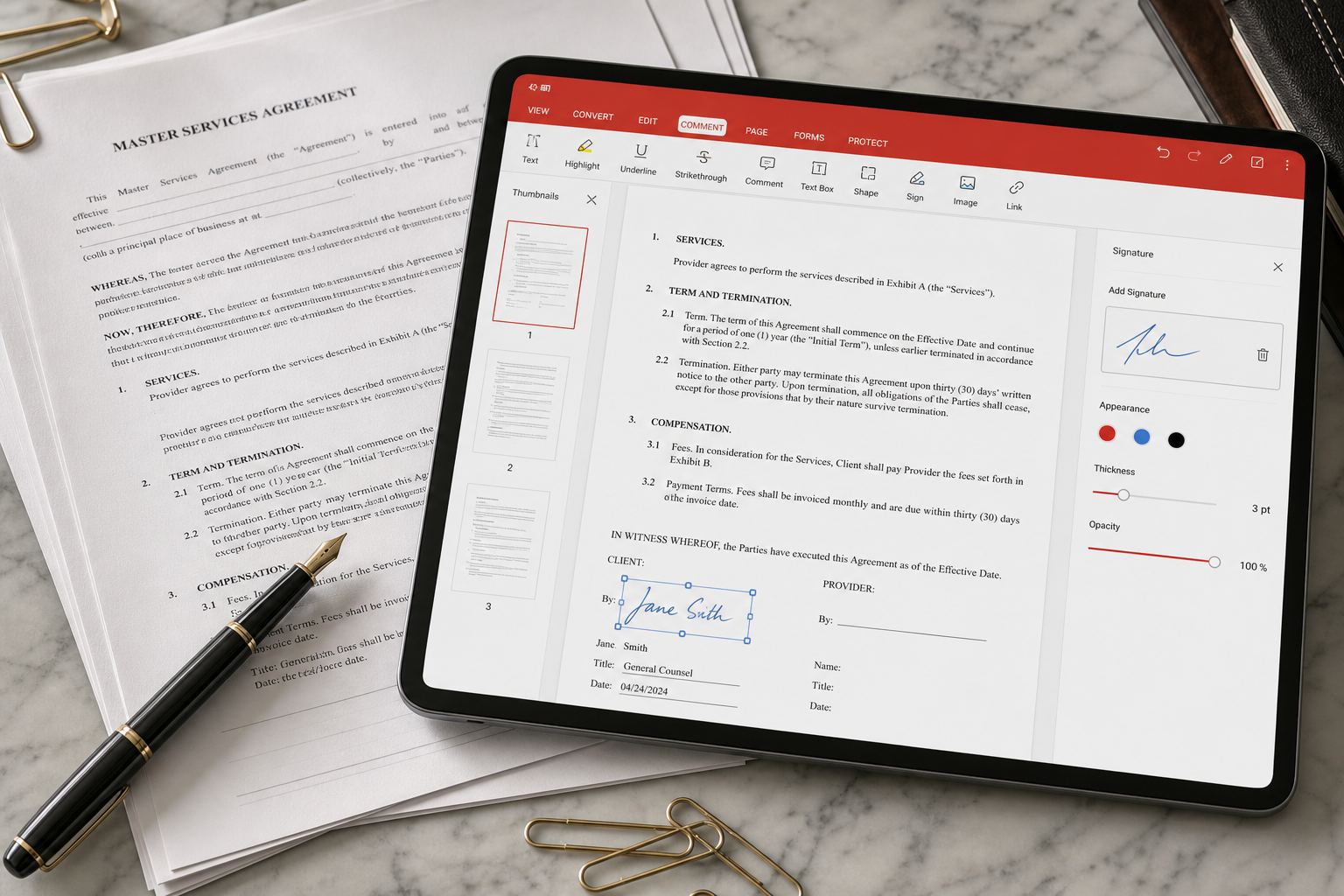
- Annotate, sign, merge, and convert PDFs.
- Hook Google Drive, Dropbox, OneDrive, and WPS Cloud.
- Share into Classroom, Slack, or mail as a normal Android intent.
Startup failures (Kingsoft help)
Official Android help: if the app is older than 16.7, upgrade from the store — most “cannot start / crash” tickets die there. If you are already newer, collect region, a screen recording, WPS user id, and version from Me → Settings → About before you contact support.
Storage permission and scoped storage
On Android 11+ the app may see Downloads but not a random Telegram folder until you pick the file through the system picker. That is not data loss. Use “Open with” from Files rather than hunting inside WPS.
Battery and ads
Free mobile skins show ads. If a video ad wakes the screen at 2 a.m., that is a product complaint, not a virus by itself — but it is also the moment many readers pay $30/year. See free vs Premium.
Play Store only
Package cn.wps.moffice_eng. Sideloaded APKs from “WPS MOD” pages are how phones get extra apps nobody asked for. Gizmodo’s August 2026 directory still listed a ~4.5 rating from millions of Play votes — useful as a popularity signal, not as a malware scan.
Scanner and PDF on a phone
Good light, level page, crop before OCR. Desktop Photo is for files that already reached the PC. Photo · PDF.
Battery and background sync
If the phone never sees the PC file, battery savers may have killed the app. Exempt WPS, stay on the same account, check quota. Sync.