Change the default save format today
Settings → set DOCX, XLSX, PPTX. Native WPS/ET/DPS files are a gift to nobody in a mixed office.
Fonts
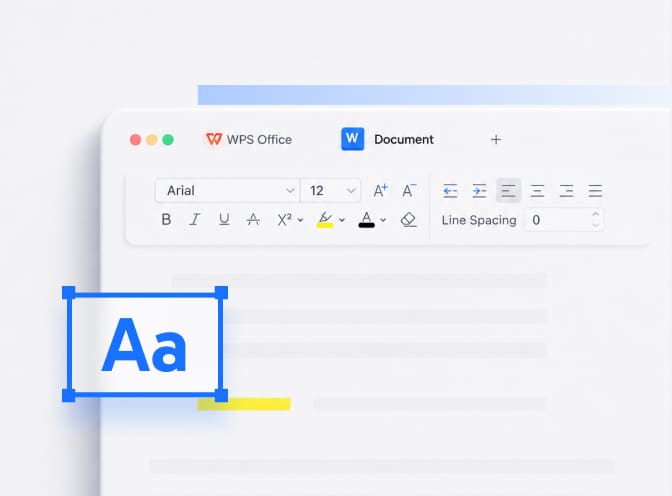
If the recipient lacks your typeface, their suite substitutes one with different metrics and the whole document reflows. Embed fonts at save time for contracts, or switch to Calibri / Arial / Times New Roman. Install matching CJK fonts if you write Chinese, Japanese, or Korean.
Stop fake formatting
Alignment built from repeated spaces, page breaks made of empty paragraphs, and tabs faked with the space bar collapse under another engine. Use tab stops, real page breaks, paragraph spacing, and styles.
Tables, headers, images
When a file arrives looking drunk, check wrapped images and tables that span pages. Print Preview is the cheap simulator. If a table splits oddly here, PDF will freeze the same mistake — fix it first.
Macros
Do not round-trip VBA for fun. Let Excel own the macro workbook; open it read-only in WPS.
Nuclear option
Export PDF for the version that must look identical in court, at a printer, or on a lecturer’s podium. Keep DOCX for editing.
If only one file crashes, it may be corrupt — repair and recover.
A one-page freeze file
When the layout is the deliverable (a poster, a signed quote), export PDF and keep DOCX as the master. That is not giving up; it is choosing which program is allowed to reflow. Word to PDF.