Field notes

These are not celebrity quotes. They are the patterns inside millions of store reviews.

Names are representative composites drawn from Play Store, App Store, GetApp, Software Advice, and support threads. The point is the workflow, not a fake five-star widget.

Student working on a laptop on a campus lawn
Graduate student working outdoors with notebooks and a laptop

Priya Nair — graduate student

Priya’s department still emails .docx templates with locked styles. Microsoft 365 felt expensive between assistantship payments. WPS opened the files, she wrote chapters on a campus lawn, and she exported PDF for the graduate office because they panicked at anything else.

Friction: ads during late-night writing; a template pack behind Premium; one figure that shifted when a committee member opened the file in Word. Fix: embed fonts, freeze the submission as PDF, keep an editable DOCX for herself.

“I did not need Outlook. I needed the template to open on a six-year-old laptop.”
Operations analyst studying spreadsheets on dual monitors at night

Daniel Okonkwo — operations analyst

Daniel’s close file was an 80 MB workbook with volatile formulas. WPS opened it when a loaner laptop had no Excel license. Recalc crawled until he switched to manual calculation, killed whole-column conditional formats, and moved the file off OneDrive-on-a-metered-guest-network.

He kept a dedicated Excel VM for the handful of VBA bots. That split — WPS for reading and light edits, Excel for macros — shows up constantly in professional reviews.

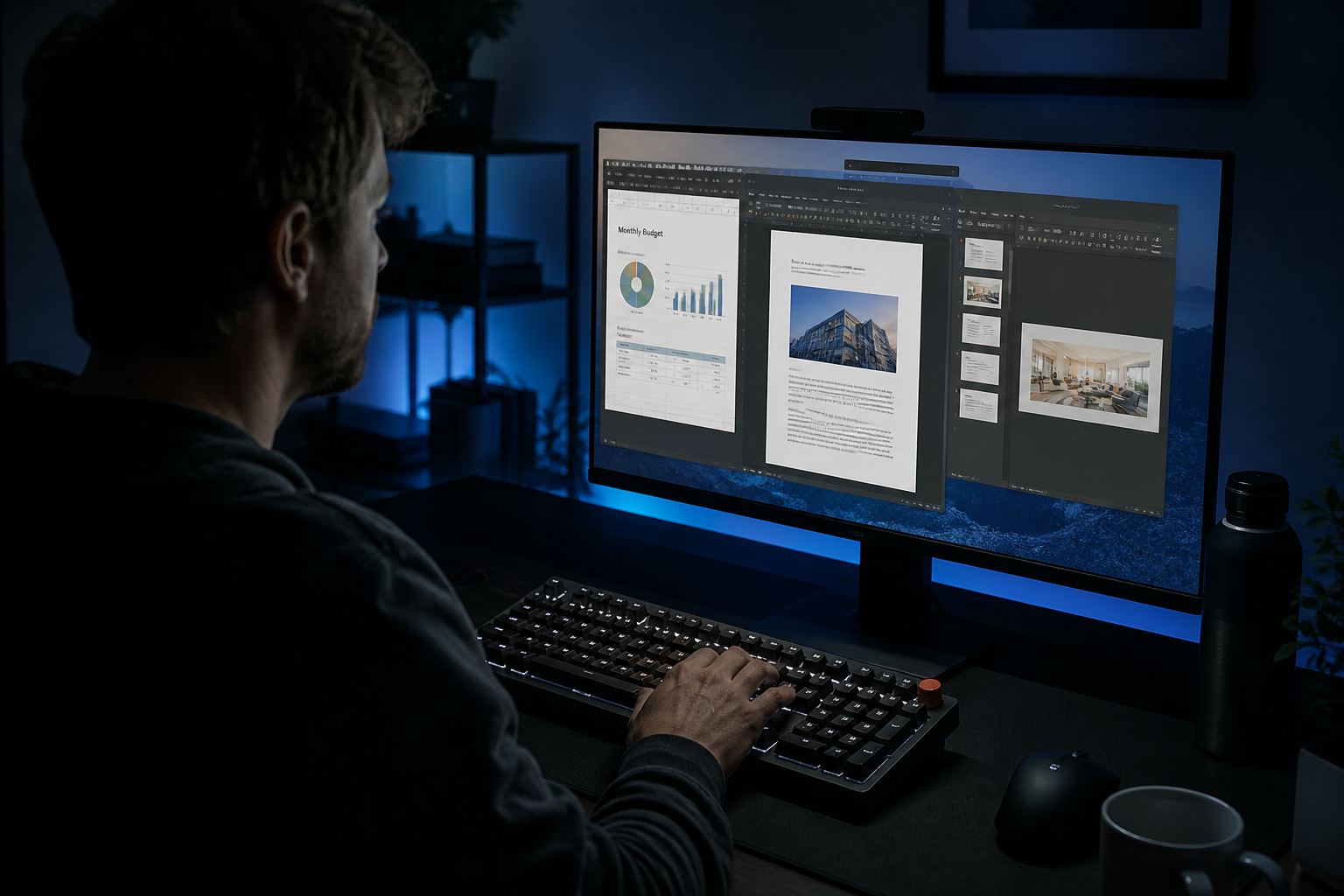
Designer multitasking with sheets, a document, and slides on one dark-mode screen

Leo Park — independent designer

Leo liked the tabbed workspace: budget sheet, proposal, and pitch deck in one window. Dark mode on a late job matched his other tools. He used AI to draft speaker notes, then rewrote every claim.

Friction: exporting images with watermarks on a trial SKU; a client who required tracked changes in Word. He finished notes in Writer and did the legal redline in the client’s 365 tenant. Ego is cheaper than a lost invoice.

Small-business owner reviewing a document on a laptop at a kitchen counter

Mateo Alvarez — shop owner

Mateo writes quotes in Writer, inventories in Spreadsheets, and scans delivery notes to PDF on Android. Google Drive holds the archive; WPS is the editor. He paid Premium after the third week of fighting PDF merge limits on supplier contracts.

$30 a year replaced a pile of “free PDF” websites he did not trust with customer addresses. That is the Premium story that makes sense: not a feature list, a repeated wall.

How to read these notes

They are composite. The friction (ads, 80 MB sheets, Linux fonts, PDF walls) shows up in public reviews and forums. The names are representative so the prose can stay specific. They are not paid testimonials and not a star widget.

What we keep hearing in 2026

  • Students want DOCX + PDF on a cheap laptop without another 365 seat between semesters.
  • Analysts can open the file and then wait — 64-bit plus manual calc is the real fix.
  • Linux users can work, then hit Wingdings warnings; that is fonts, not a crash.
  • Shops like signed PDFs until a client demands Word’s compare.

If your story is different, write in. Related: campus · shops · teachers.

What the review aggregators actually say

GetApp users praise free access, cross-platform use, and familiar UI; they complain about ads and paywalled extras. Software Advice reviewers call out PDF edit and signatures as the moment they were asked to pay. Network-style 2025 reviews conclude the free tier handles typical 10–20 documents a week, while Premium is for PDF-heavy and multi-device people.

Play Store ~4.5 (millions of ratings) and App Store ~4.8 are popularity scores, not a lab certification. Read them as “this app is useful and also annoying,” which is honest freeware.

How to send us a real story

If you want a named case study with your details, use contact. We will not invent screenshots of your books.